How does Quotex work?
Explore the platform first

Explore the interface and practice with virtual funds first

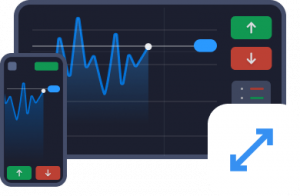
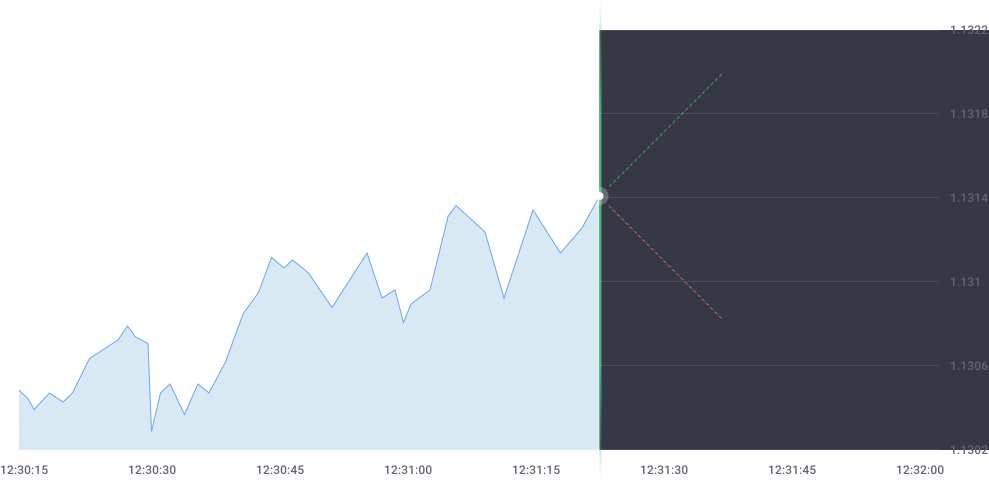
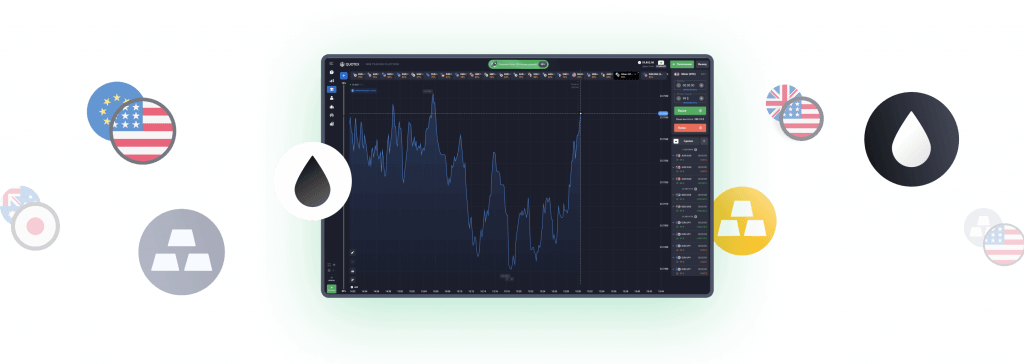
Trading chart illustration

Before using real money
learn how the demo account works

Open demo account Quotex Login

Quotex Account Guide

Demo Account, Minimum Deposit & Key Conditions to Check

Review the platform’s current terms
before using real money.

View access and conditions

QxBroker’s current Special Conditions page states a minimum trade amount of $1. The amount available for an individual trade may vary by instrument and account conditions.

Bonuses are not a fixed condition for every account. The percentage and requirements depend on the active promotion or promo code. Always review the applicable terms before accepting a bonus.

Quotex offers a demo account with a $10,000 virtual balance for exploring the interface and practicing. Demo results do not guarantee future results with real money.

The current QxBroker FAQ says deposits are free of platform fees. Starting with the third withdrawal made on the same day, a 3% fee applies to each subsequent withdrawal; payment providers may also charge their own fees.

If you need help with your account, verification, or payments, use QxBroker’s official Support or Contacts channels. Do not share login credentials with people offering help through unverified channels.

Currencies, deposit and withdrawal methods, and their limits depend on the country and account. Check the options shown in your profile before making a transaction.

Quotex: Safety, Availability & Verification
What to check before you access the platform

Quotex Reviews

qxbroker.com.co is an independent information website. We are not Quotex, QxBroker, or ON SPOT GROUP LLC, do not provide official customer support, and never ask for passwords, identity documents, or banking credentials.

Quotex Reviews

Quotex availability and regulatory requirements differ by country. QxBroker currently lists several restricted regions, so users should check the latest official availability information and any rules issued by their local financial regulator before using the service.

Quotex Reviews

Country selection, available currencies, and payment methods depend on the user’s region. Check the current registration form and your account before relying on any specific currency, bank, wallet, deposit, or withdrawal method.

How to get started with Quotex
3 steps before using real money

Account creation illustration

1. Check your country and create an account

Check that your country is available in the current registration form, then review your account details and selected currency before creating the account.

Create account
Demo account illustration

2. Try the demo account

Use virtual funds to learn the interface and practice without putting real capital at risk. Demo results do not guarantee future results.

Open demo account
Deposits and risk review illustration

3. Review payments and risks

QxBroker currently states a minimum deposit of 10 USD. Before depositing, review payment methods, account currency, withdrawal terms, possible fees, country restrictions, and the risk of loss.

View deposit options
Platform features

Quotex Features Worth Knowing

The platform includes indicators and analysis tools that can be used to study price movements. No indicator can guarantee that a trade will be profitable.

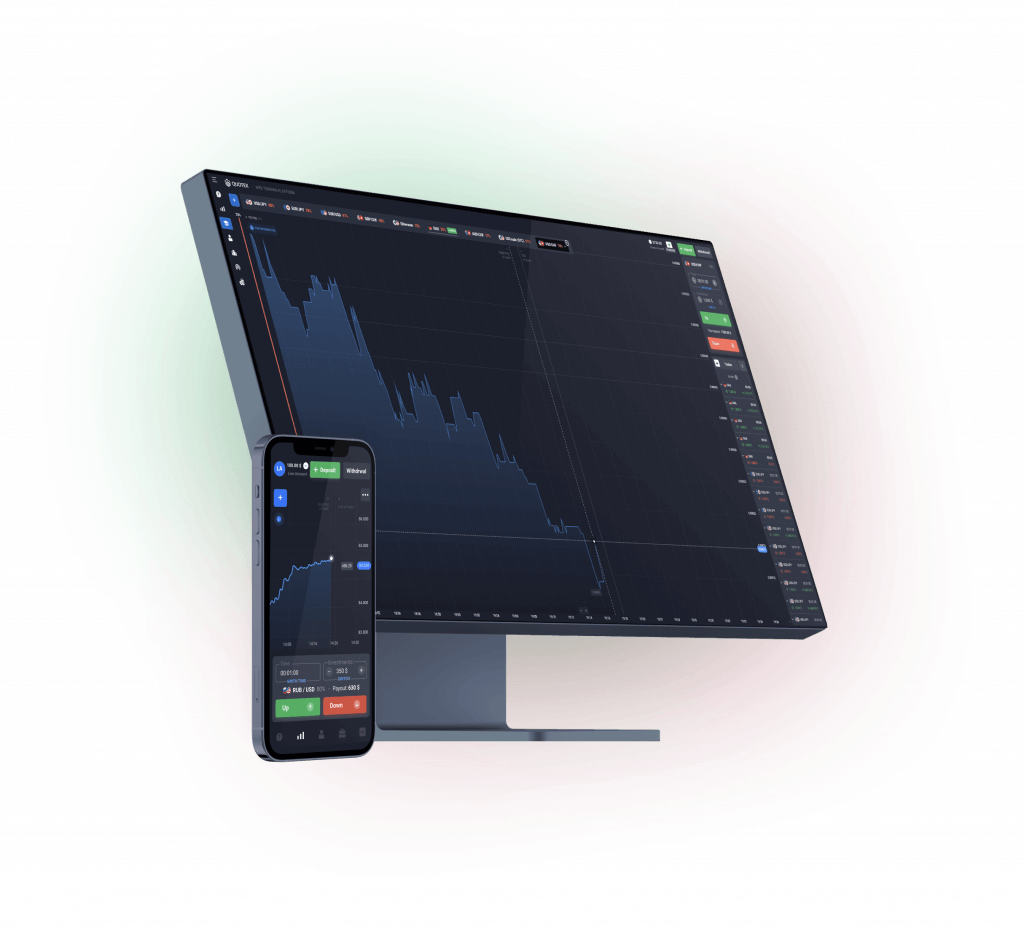
Quotex can be accessed through a web browser and offers an Android app. On iPhone and iPad, QxBroker currently directs users to Safari/browser access or the PWA version.

The currently stated minimum deposit is $10. Minimum withdrawals start at $10 for most payment systems and from $50 for cryptocurrencies. Fees and available methods should be checked in each account.

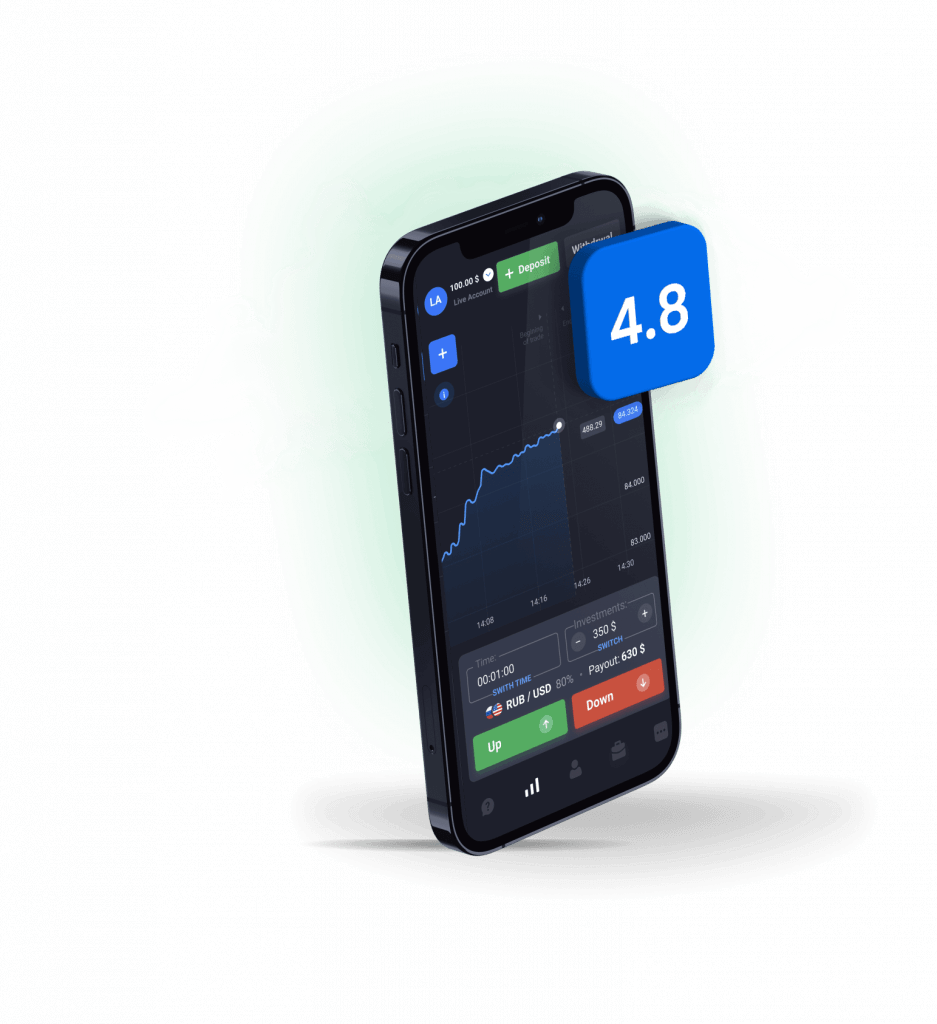
The platform brings charts, assets, trade amounts, and controls together in one interface. Use the demo account first to become familiar with the available options.

QxBroker describes an early trade-closing feature. Check the conditions and availability of this feature for the specific trade before using it.

The platform includes a ranking that shows a user’s displayed position relative to other traders. The ranking is informational and does not demonstrate future results or reduce risk.

Frequently Asked Questions About Quotex

Use the platform login page, verify the website address before entering your details, and sign in with your registered email and password. If you forgot your password, use the recovery option shown on the login form.

Availability depends on the user’s country. Check the current QxBroker registration form and official restrictions before creating an account. Available currencies, payment methods, and other conditions can also vary by region.

Quotex offers an Android app through Google Play. For iPhone and iPad, QxBroker currently provides browser/PWA access through Safari rather than an official App Store app.

The current QxBroker FAQ says withdrawals generally take about 1 to 5 days from the request date. Actual timing may vary based on processing volume, payment method, and any required verification.

According to the current QxBroker FAQ, deposits are free of platform fees. Starting with the third withdrawal made on the same day, a 3% fee applies to each subsequent transaction. Payment providers may also charge their own fees or apply currency conversion rates.

No. qxbroker.com.co is an independent information website and is not operated by Quotex, QxBroker, or ON SPOT GROUP LLC.
For account access, support, legal documents, availability, and current platform terms, always verify information through the official QxBroker sources.